Ask a question
Start a focused request for updates or feedback.
When information comes from people across locations and teams, bringing it together can take time. Fluid AI's Ground Pulse workflow helps collect responses and files, then summarise the conversation so teams can review what has come in.
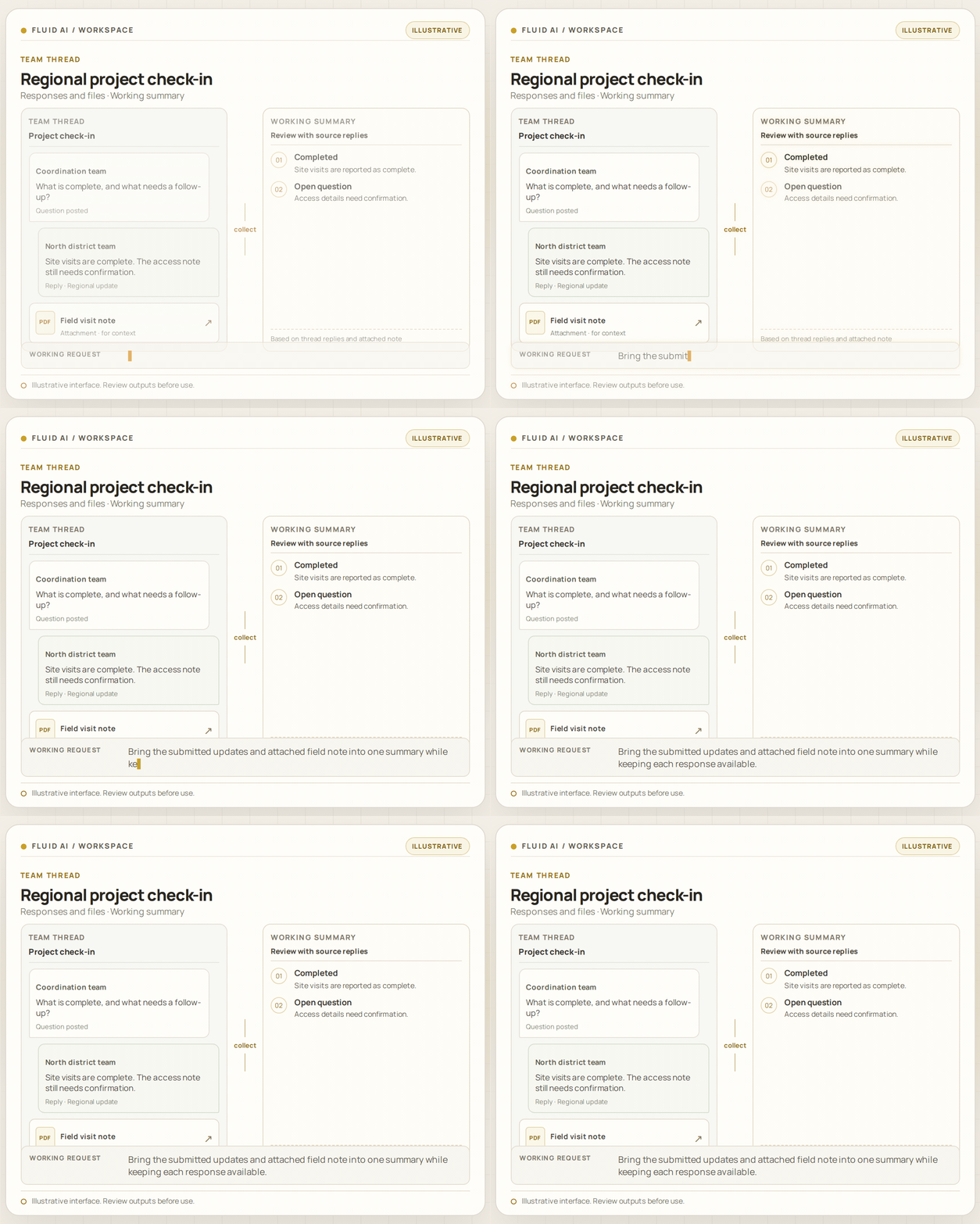
Responses and files · Working summary
CompletedSite visits are reported as complete.
Open questionAccess details need confirmation.
Bring the submitted updates and attached field note into one summary while keeping each response available.
When a team works across locations, the full picture rarely arrives in one message. Updates come in at different times, with replies and supporting files that need to be brought together before a central team can understand what is happening.
A summary is useful only when people can check the context behind it. Keeping original responses and attachments available helps colleagues examine recurring observations, clarify open questions and agree what needs a follow-up rather than relying on an isolated headline.
Start a focused request for updates or feedback.
Gather replies and supporting files through the workflow.
Use AI to organise submitted information into a summary.
Check responses and source material before deciding on follow-up actions.
Available sources, integrations and output options depend on configuration. Review work before relying on it.
A shared thread can bring questions, replies and supporting files together, while leaving the original submissions available for review.
Teams often need to gather updates from people working in different places before they can see what needs attention.
The demonstrated workflow gathers group replies and files in a thread, then uses AI to organise the submitted information.
Workflow fit, available sources and controls depend on configuration. Compare the approach against your task and review outputs before relying on them.
Post a question to a group, collect replies and files, and use AI to summarise the thread.
Ask a focused question and collect responses in the thread.
Gather text responses and supporting material together.
Organise submitted information into a thread summary.
Use the collected responses as a starting point for follow-up discussions.
No output is guaranteed to be complete or accurate. Check relevant source material and results.
A central team asks colleagues in several locations for an activity update. The thread keeps replies and supporting files together; a working summary helps surface topics for the next team discussion.
Invite the group to share a progress update or report a specific observation.
Submitted responses and supporting material remain part of the conversation.
Check the original submissions and context before agreeing follow-up.
Every organisation has its own security and governance requirements. Evaluate them against the proposed deployment and configuration.
Discuss hosting and deployment requirements with the Fluid AI team. Options depend on your environment and use case.
Review who can participate, what information may be shared in a thread, and how submitted files are handled in the configured deployment.
Check the original submissions and supporting material before relying on a generated summary. The summary does not replace review of underlying updates.
Review architecture, data handling and security requirements with Fluid AI during evaluation.
Answers about ai field reporting & team collaboration.
See how Fluid AI can help bring responses and supporting information together for your team.
FLUID AI / AI FIELD REPORTING & TEAM COLLABORATION